
How Ventura County Dockets Are Organized
A Ventura County court docket is a chronological list of events filed in a single case. The clerk adds each new entry as papers come in, as the judge rules, or as a hearing is held. The docket is sometimes called the register of actions, and the two terms mean the same thing in Ventura practice. Every case has its own docket, tied to a single case number, and the docket follows the case from filing through judgment, appeal, and post-judgment work.
The Superior Court splits docket access across two public systems. Civil, small claims, family law, probate, and Court of Appeal dockets sit on the eCourt public portal. Criminal and traffic dockets sit on the criminal and traffic case inquiry system. Each portal is keyed to its own court database, so a name that returns no result on one may still have an open file on the other. The court explains both routes on its case inquiry page.
Docket pages do not show every paper in the case file. A docket lists the event, the date, and a short label. The full document, such as a motion, an exhibit, or a signed order, may sit only in the paper file at the clerk's office. California Rule of Court 2.503 limits what may be posted online in family, juvenile, mental health, and certain criminal matters, so the docket can flag a filing that is not viewable as an image online.
Register of Actions Explained
The register of actions is the master event list for a case. In Ventura, a register of actions starts with the first filing, often a complaint, a petition, a citation, or a criminal complaint. Each new event is stamped with a date, given a short event label, and added to the bottom of the list. The register also notes the judicial officer, the department, the result of any hearing, and a brief note on what the clerk recorded.
Reading the register top to bottom gives the case's history. Reading it bottom to top gives the current status. For a civil case, the latest few entries usually show the most recent motion, the tentative ruling, or the entered judgment. For a criminal case, the latest entries often show the last court appearance, the plea, the sentence, or a bench warrant if one was issued. For a family law case, the register can show a dissolution judgment plus later support, custody, or enforcement work.
- Docket
- The day-by-day list of events filed in a Ventura case. Sometimes used as a general term for the case calendar.
- Register of Actions
- The official chronological event list maintained by the Superior Court clerk. Same content as a docket in Ventura usage.
- Minute Order
- The clerk's written record of what the judge ordered during a hearing. Shows the ruling, the date, and the department.
- Tentative Ruling
- A draft ruling the judge posts before a civil law and motion hearing. Becomes final unless a party requests oral argument.
- Judgment
- The court's final order on the merits. Appears as a docket entry and as a separate signed document in the case file.
- Disposition
- The outcome that closes a case or charge. Shown on the docket as dismissed, judgment entered, convicted, transferred, or similar.
Hearing Dates and Court Departments
Every Ventura docket entry for a court appearance lists a date, a time, a department, and a courthouse. The department is the courtroom number, and the judge or commissioner assigned to that department hears the case. Departments rotate from time to time, so older docket entries may show a different department than the one the case sits in now. The most recent calendar entry is the one to trust.
Civil law and motion matters, family law hearings, probate calendars, and small claims trials are heard at the main civil division at 800 South Victoria Avenue in Ventura. East County hearings are heard in Simi Valley at 3855-F Alamo Street. Juvenile delinquency and dependency calendars are held at the juvenile courthouse at 4353 East Vineyard Avenue in Oxnard. Criminal and traffic calendars move between the main Hall of Justice and the East County courthouse, with the docket listing the assigned location.
To find the next hearing on a Ventura docket, follow this order:
- Open the right portal. Civil, family, probate, and small claims use the eCourt public portal. Criminal and traffic use the case information search.
- Search by case number when known. Otherwise, search by last name, then by first name, and add a filing date range if the result list is long.
- Open the case that matches the party and the filing date. Confirm the case type and the courthouse before reading further.
- Scroll to the calendar or future hearings block. Save the date, time, department, and event type.
- Open the register of actions to read what the last few entries did. A continuance, a tentative ruling, or a minute order can change what the next hearing is really about.
- If the docket lists a document that is not viewable online, contact the clerk to order a copy or to view the file at the courthouse.
- For a hearing that is set on the law and motion calendar, check the tentative rulings page the afternoon before the hearing.
Tentative Rulings in Ventura County
A tentative ruling is a draft order the judge posts before a civil law and motion hearing. The Superior Court publishes them at ventura.courts.ca.gov/tentative-rulings.html. A tentative ruling tells the parties how the judge plans to rule. If no party calls the court to request oral argument within the time stated in the posting, the tentative becomes the final order and the hearing is taken off calendar.
The first source image shows the Ventura Superior Court's local rules page, which sets the procedure for tentative rulings, calendars, and law and motion practice.
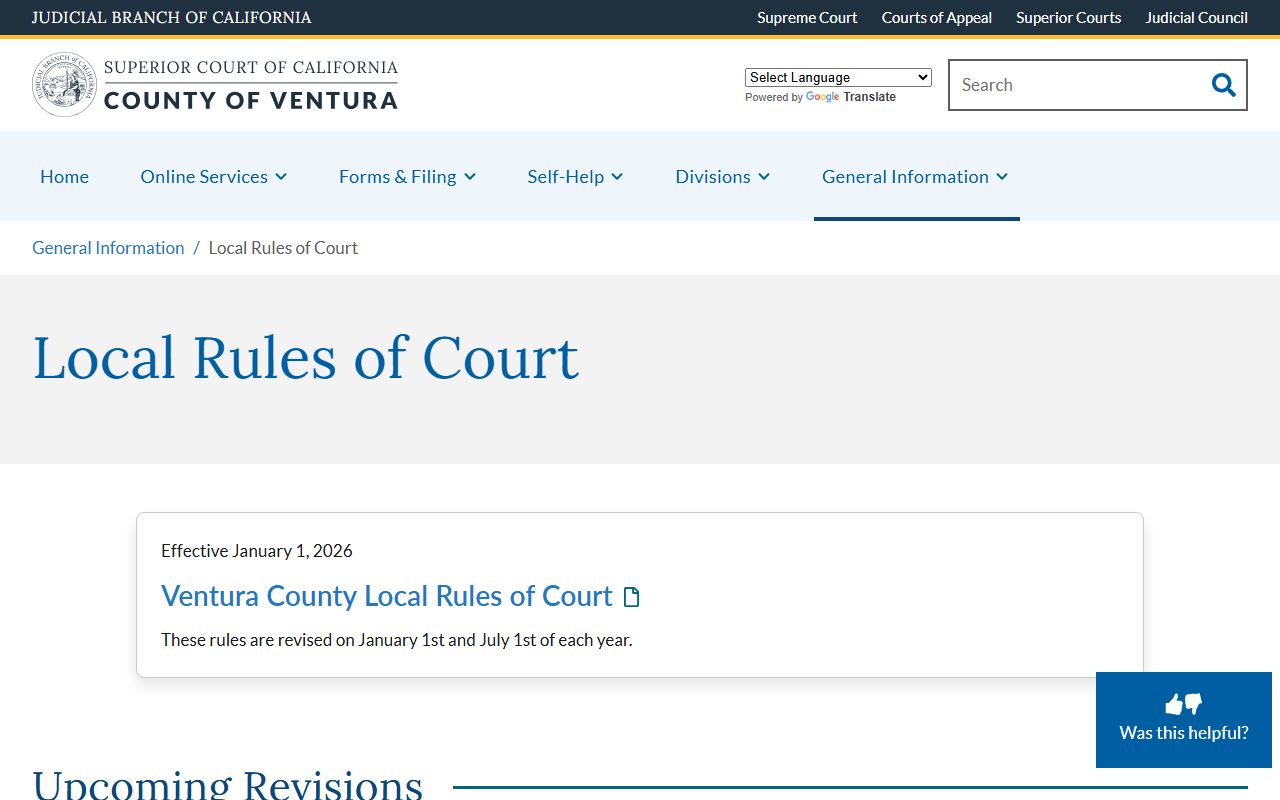
The local rules cover how a Ventura docket is built, when a tentative ruling becomes final, and how parties contest a draft ruling. Read them before any civil law and motion hearing because they control the rules of engagement.
Tentative rulings are mostly used on civil, family law, and probate calendars. Criminal calendars do not use tentative rulings the same way. A criminal docket entry for a future date is the calendar setting, and the judge rules from the bench rather than from a posted draft. Civil discovery motions, demurrers, summary judgment motions, and routine probate petitions are the most common places where a tentative ruling appears in Ventura practice.
Civil, Family, and Probate Calendars
Civil dockets in Ventura cover unlimited civil cases, limited civil cases, small claims, and unlawful detainer matters. Family dockets cover divorce, parentage, custody, support, and domestic violence restraining orders. Probate dockets cover decedent estates, trusts, guardianships, and conservatorships. All three calendars run through the eCourt public portal, and each calendar has its own set of standard event types.
A civil case docket usually opens with a complaint, a summons, and a proof of service. The next typical events are an answer, a case management conference, and a trial setting. Motions appear as docket entries with the moving party named. A judgment closes the case on the merits, and post-judgment entries can cover collection, abstracts, and renewals. For more on full case content, see Ventura County court records.
A family law docket opens with a petition for dissolution, legal separation, nullity, or parentage. Response, request for order, mediation, and child custody recommendations follow. A judgment of dissolution closes the marital status portion of the case, but the docket can stay active for years through support modifications, contempt actions, and custody review hearings. Probate dockets are detailed by their nature, with petitions, notices, citations, inventories, accountings, and orders all appearing as separate entries. The family division and the probate division pages give the rules each calendar follows.
Criminal and Traffic Dockets
Criminal and traffic dockets in Ventura sit on a separate system from civil. The criminal and traffic case inquiry tool returns charges, plea, custody status, bail, the next hearing date, the department, and any failure-to-appear flag. A felony docket usually opens with a complaint, an arraignment, a plea, a preliminary hearing, an information, a trial setting, and a sentencing or disposition. A misdemeanor docket follows a shorter path. A traffic infraction docket can close on a single line if the citation is paid, or it can run for many entries if the defendant fights the ticket or fails to appear.
The table below maps the docket event types a Ventura user is most likely to see. It pulls from the field inventory used by both the eCourt portal and the criminal and traffic system.
| Event Type | What It Means |
|---|---|
| Complaint Filed | The case is opened. Civil complaint, family petition, or criminal charging document. |
| Summons Issued | The court tells a party to respond. Common in civil and family cases. |
| Proof of Service | A filing showing how the papers were delivered to the other side. |
| Case Management Conference | A status hearing where the judge sets a trial date and reviews the case. |
| Motion Filed | A party asks the judge to make an order. Hearing date and department are set. |
| Tentative Ruling Posted | The judge's draft ruling for a civil law and motion matter. |
| Minute Order | The clerk's record of what the judge ordered in court that day. |
| Arraignment | The first criminal hearing. The defendant is told the charges and enters a plea. |
| Plea Entered | The defendant pleads guilty, not guilty, or no contest. |
| Bail Set or Posted | The amount or terms of release in a criminal case. |
| Bench Warrant Issued | The judge orders a warrant after a failure to appear or violation. |
| Sentencing | The judge imposes a criminal sentence after plea or trial. |
| Judgment Entered | The civil court enters a final money or non-money judgment. |
| Disposition | The outcome that closes the case or a charge. |
| Notice of Appeal | A party tells the court they will appeal a final order. |
For deeper coverage of charges, pleas, and dispositions in Ventura, see criminal records. For citation lookups and the traffic-only calendar, see traffic court records.
Docket vs Full Case File
A Ventura docket is the index, not the full file. The docket lists what happened and when. The full case file holds the signed papers themselves, including motions, exhibits, transcripts, and orders. Online users sometimes assume a docket entry equals the document, but the two are not the same in Ventura, and the difference matters when a user needs proof in court or wants a certified copy.
| Docket | Full Case File | |
|---|---|---|
| Format | Short list of events with dates | Signed papers, exhibits, and orders |
| Where It Lives | eCourt portal or criminal and traffic system | Clerk's office paper file or imaged file |
| Access | Free online for most case types | May need clerk request and per-page fee |
| Use | Track case progress and next hearing | Legal review, proof, certified copies |
| Limits | No images for some entries | Sealed or confidential parts withheld |
Q: Does a docket entry online mean the document is online too?
A: No. A docket lists the event, but the underlying paper may sit only in the clerk's file. California Rule of Court 2.503 limits which document images can be posted, and many family, juvenile, and certain criminal records are not viewable as images online. To get the paper, file a copy request with the Superior Court clerk.
Reading Minute Orders and Common Codes
A minute order is the clerk's written record of what happened in court on a given day. The minute order lists the date, the department, the judge, the parties present, the rulings, and any future dates set. On a Ventura docket, a minute order appears as a single entry, often with a short label like Minute Order - Hearing on Motion or Minute Order - Sentencing. Pull up the minute order to confirm what the judge ruled rather than guessing from the docket label alone.
Ventura dockets use short codes and labels to save space. Common shorthand includes CMC for case management conference, OSC for order to show cause, RFO for request for order in family law, TRO for temporary restraining order, FOAH for findings and order after hearing, CR for criminal complaint, FTA for failure to appear, and ROA for register of actions itself. Knowing the codes makes a docket easier to read at a glance, but the full minute order or court order is still the document that controls.
The Superior Court also runs a self-help center that walks self-represented parties through how to read a docket, file forms, and prepare for a hearing.
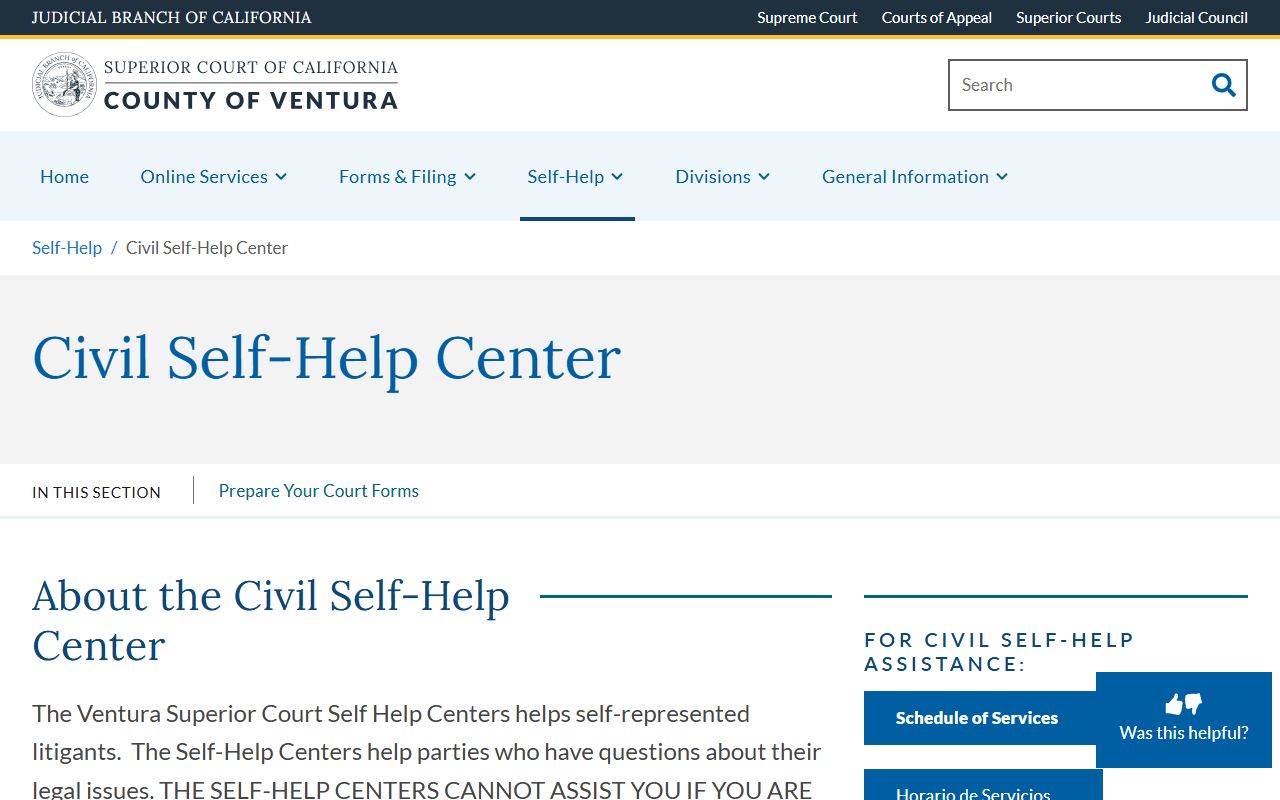
The self-help center is free, and it covers civil, family, small claims, probate, and traffic users who do not have an attorney. Staff can explain what a docket entry means, but they cannot give legal advice on how to rule a motion.
Appeals and Final Dispositions
The last block of a Ventura docket usually shows the case disposition. Civil dispositions can be a judgment after trial, a judgment by default, a settlement filed with the court, a dismissal with prejudice, or a dismissal without prejudice. Criminal dispositions can be a guilty plea, a no-contest plea, a conviction after trial, a not-guilty verdict, a diversion outcome, or a dismissal. Family law dispositions can be a judgment of dissolution or a status-only judgment, with later support and custody work added as separate entries.
A notice of appeal is also a docket entry. Ventura misdemeanor, infraction, limited civil, and small claims appeals run through the Superior Court appellate division. Felony and unlimited civil appeals go to the California Court of Appeal, Second Appellate District. After a notice of appeal is filed, the trial court docket may go quiet for months while the appellate clerk builds the record. Some post-judgment work, such as enforcement of a money judgment, can continue at the trial level even while an appeal is pending.
Q: Can a closed Ventura case still get new docket entries?
A: Yes. A case shown as disposed can still gather post-judgment entries. Civil enforcement filings, abstracts of judgment, renewals, family law support modifications, probation reviews, and bench warrants can all be added after the main case is closed. The register of actions is the place to see all of it.
Ventura Hall of Justice
Superior Court of California, County of Ventura
800 South Victoria Avenue
Ventura, CA 93009